Getting started
Estimojo adds a planning poker panel to every task. This page takes you from installation to your first applied estimate in a few minutes.
Install from the Marketplace
Find Estimojo on the Atlassian Marketplace and install it on your Jira site. A Jira admin confirms the permissions; Estimojo requests no egress, so nothing ever leaves Atlassian. Once installed, an Estimojo panel appears on every ticket.
Find Estimojo on a task
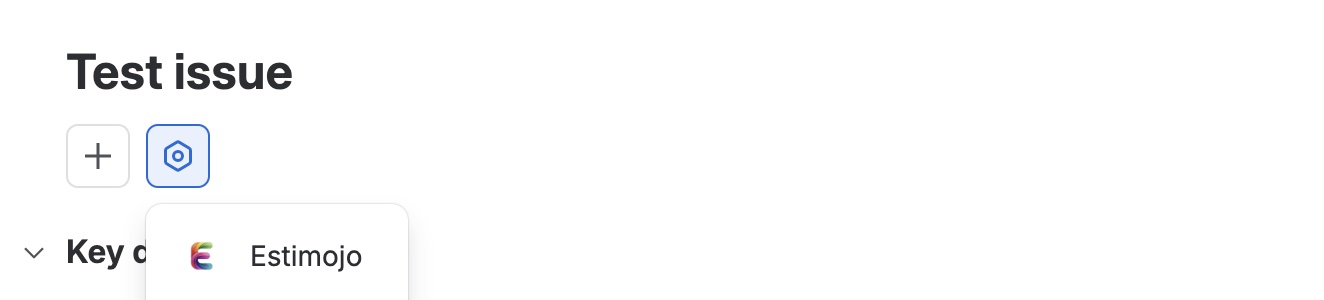
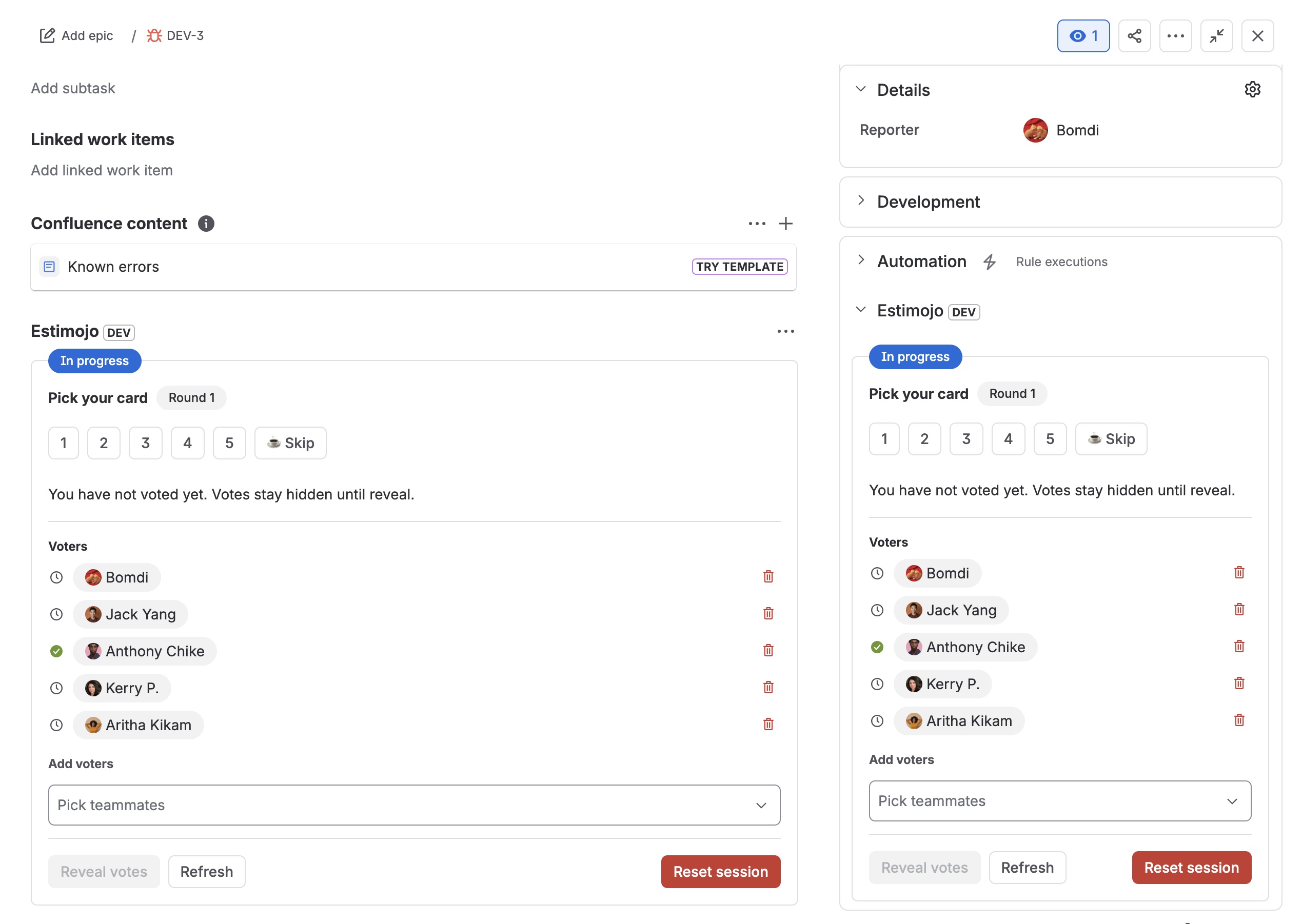
Estimojo lives right on your tickets. If the panel is not visible, open the apps menu at the top of the ticket and pick Estimojo. The project settings decide where it sits: the main panel, the right sidebar, or both.
Run your first round
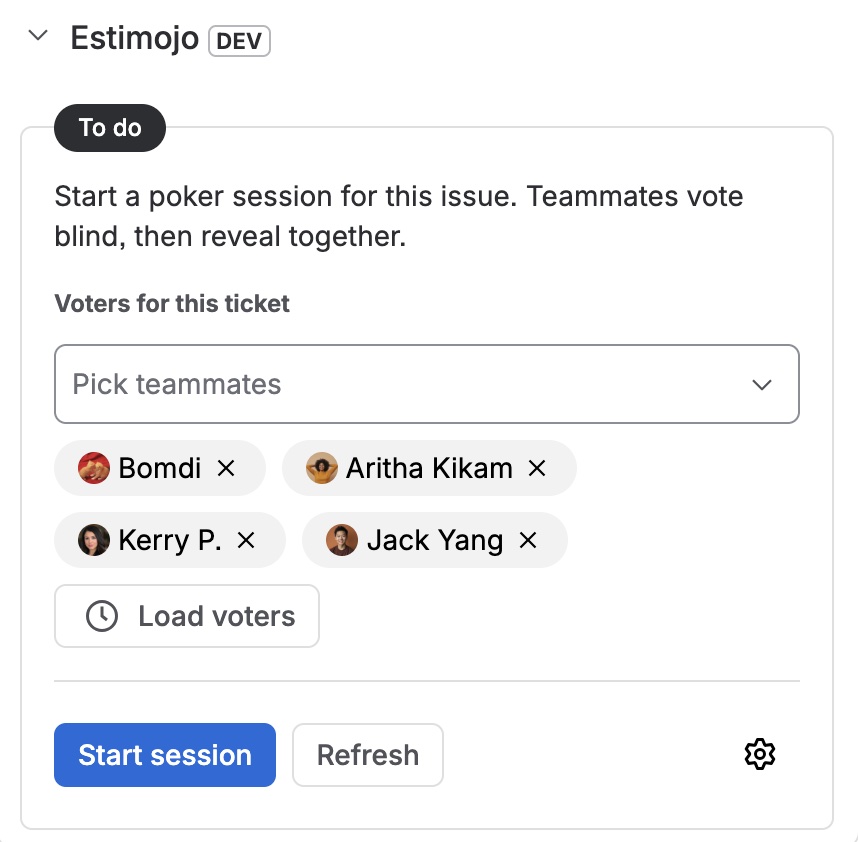
Open any ticket, expand the Estimojo panel, pick at least two voters, and start the session; Estimojo notifies each of them. Everyone votes blind, then the results reveal, and one click applies the agreed number to story points.