Sessions and voting
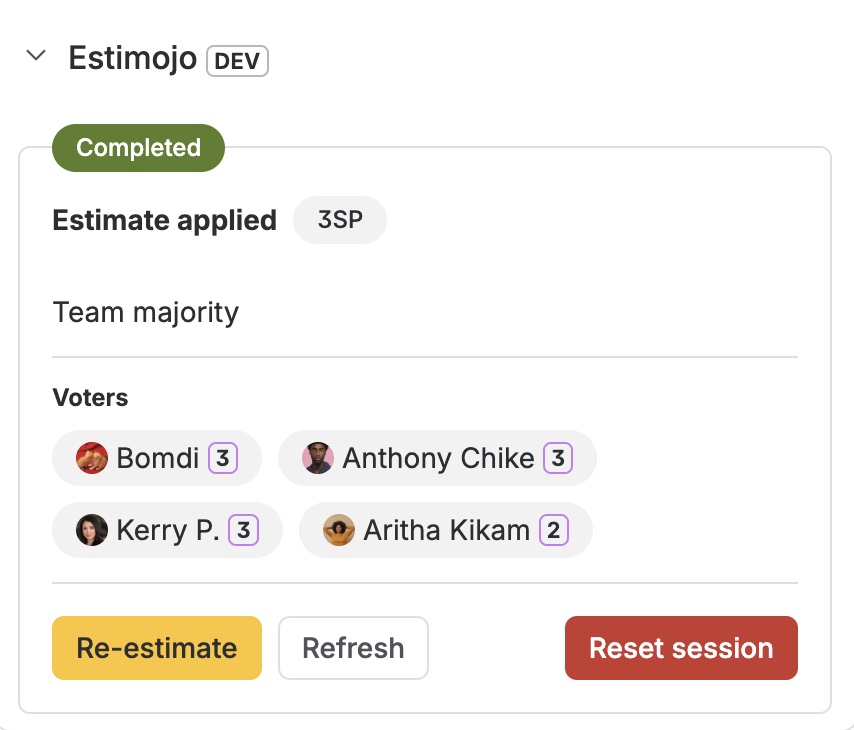
A session is one estimation conversation on one task. The panel moves from to do, through voting and results, to completed once the estimate is applied, with as many rounds as the discussion needs.
Starting a session
Whoever starts the session becomes its coordinator: they pick at least two voters, and Estimojo notifies each one. The project settings decide who may start sessions and which deck and tie rule apply. The voter list can pre-fill from the coordinator's previous session.
Start several tasks at once
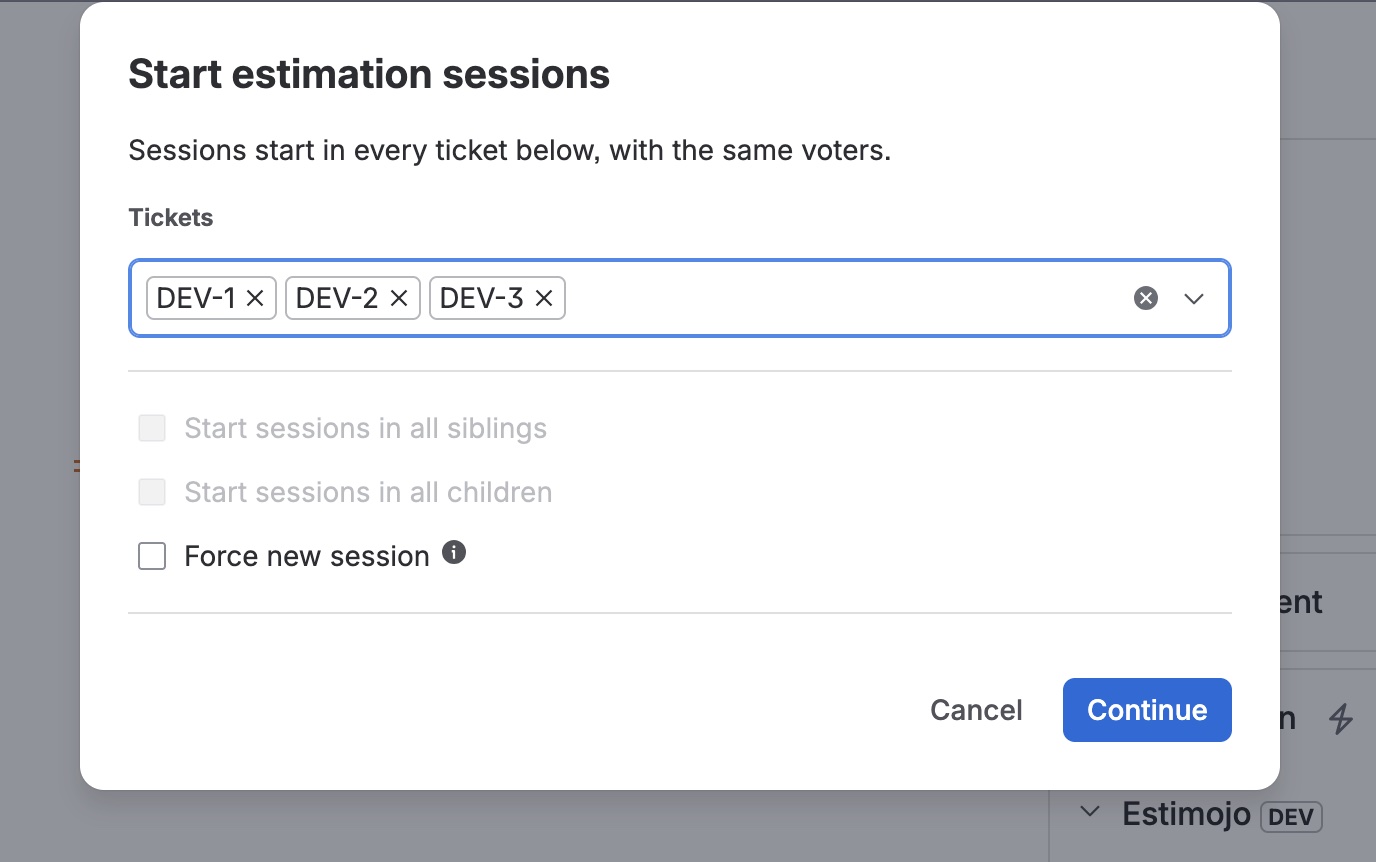
The start dialog can launch sessions in many tickets in one go: search for tickets, or pull in every sibling or child of the current one. Every session gets the same voters. Tickets that already have a session are skipped unless you force a new session, which restarts them and deletes their votes. Tickets that refuse because starts are restricted are listed by name.
Voting
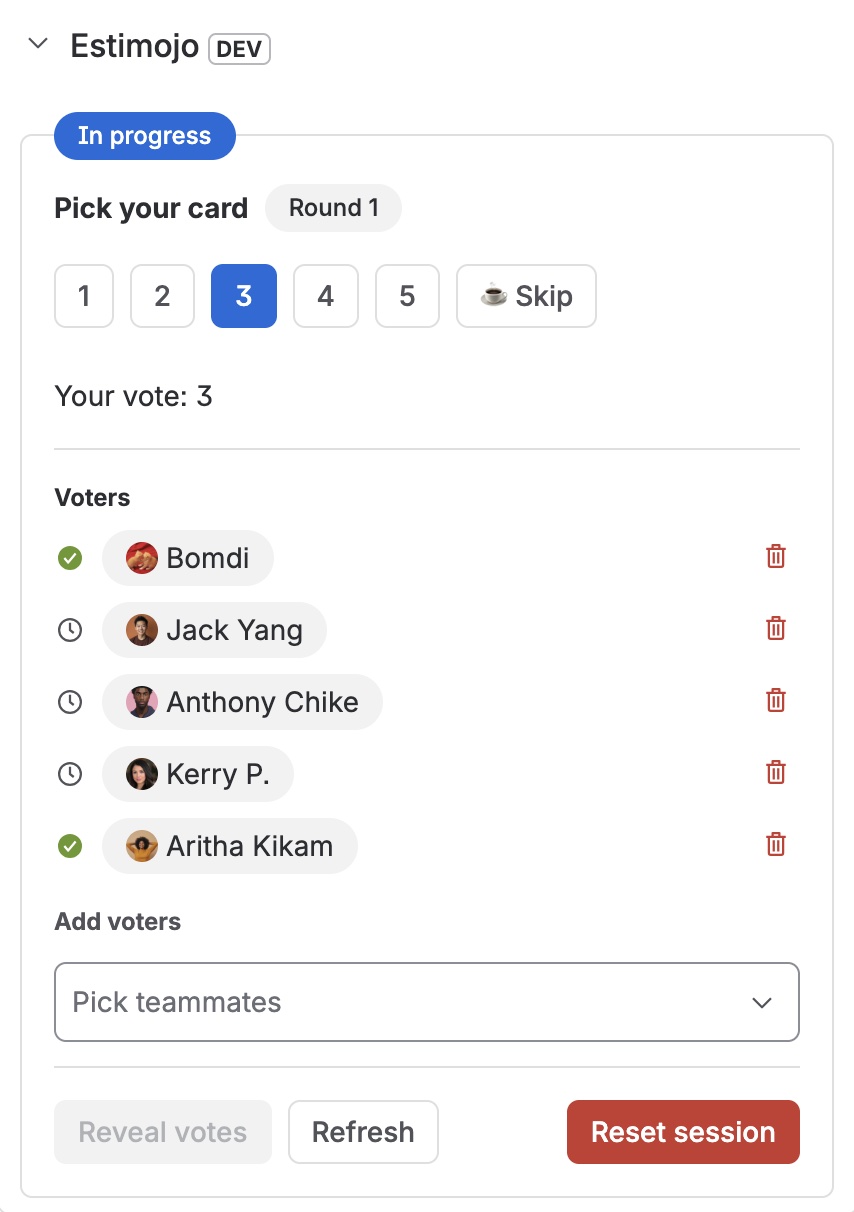
Each voter picks a card, or Skip when they cannot estimate yet. Everyone can see who has voted, but never what anyone picked. You can change your vote at any point before the reveal, and votes persist, so async teams can vote hours apart. The coordinator can add or remove voters mid-round.
The reveal
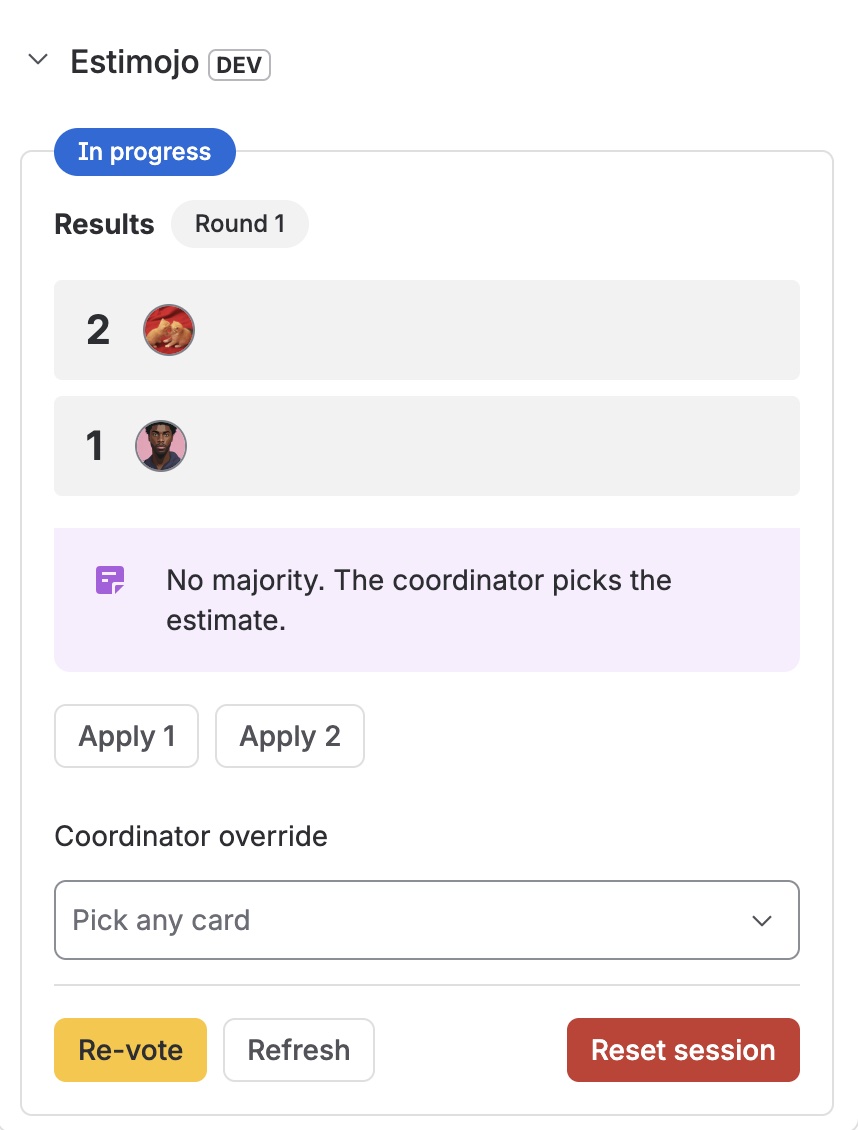
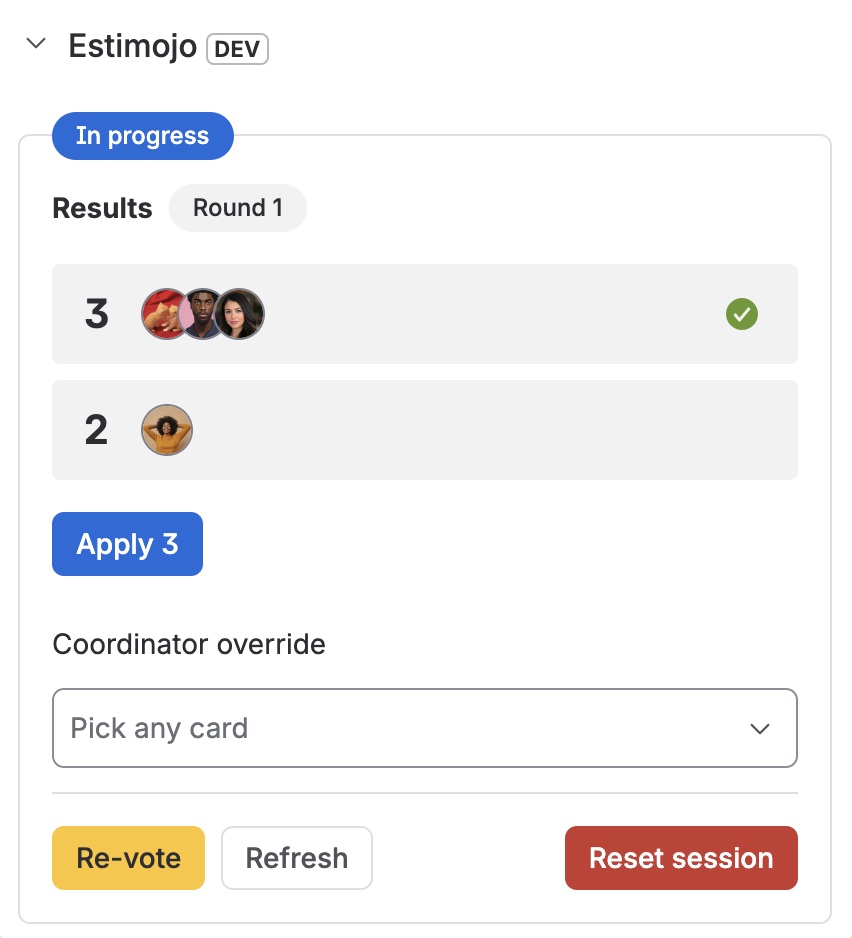
With auto-reveal on, the results appear the moment the last voter is done. Otherwise the coordinator reveals manually once every vote is in. The results group votes by value with the winner pre-selected, and a wide spread of opinions is flagged as worth a discussion.
Ties and applying
Ties follow the project's tie rule: the coordinator decides, the highest tied value wins, or a strict majority is required. Applying writes the value into the ticket's story points field and records how it was decided; the coordinator can override with any card. Re-estimate starts a fresh round whenever the number needs another look.